

Monkey
AI concepts to Metahuman
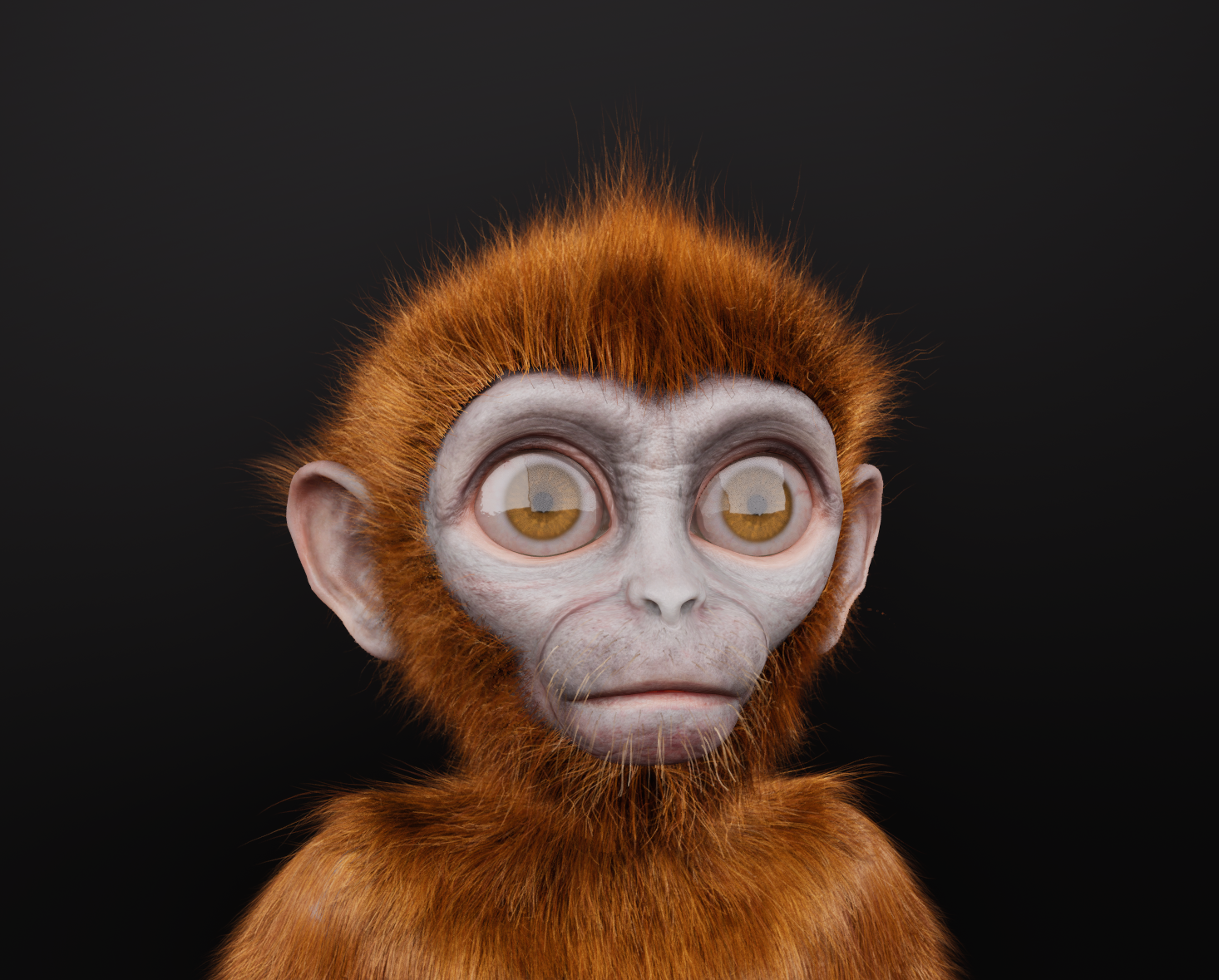
Challenge
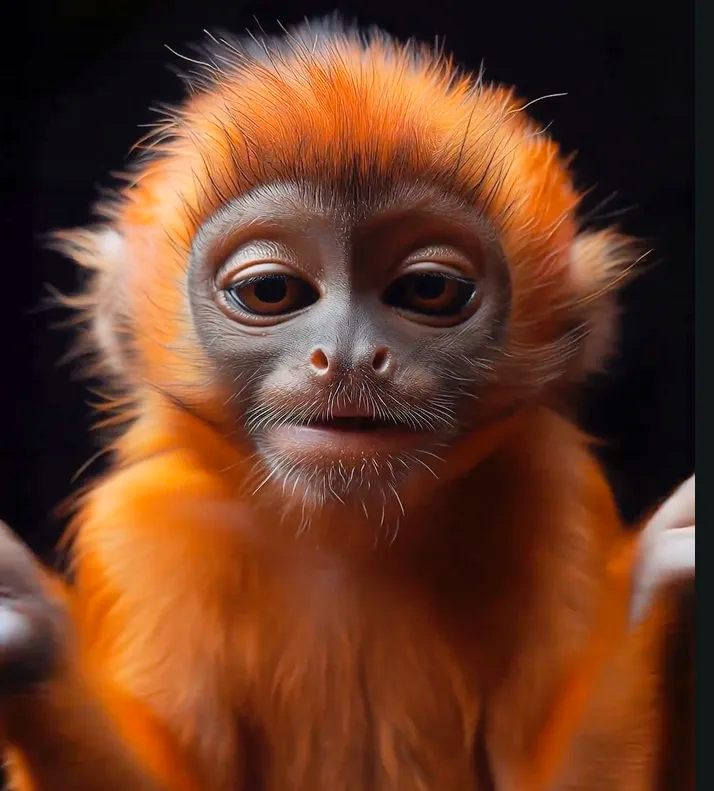
The requirements for this project were as strict as the resources were limited. I was tasked with creating a fully functional, custom MetaHuman monkey with a specific “baby monkey” face. Crucially, the character needed to retain all standard MetaHuman features so it could be driven seamlessly via Live Link. The primary hurdle? The only reference material provided was a single, front-facing image of the monkey with a prominent smile. I had to build a complete, performance-ready 3D character from a single, un-neutralized flat image.
Solution
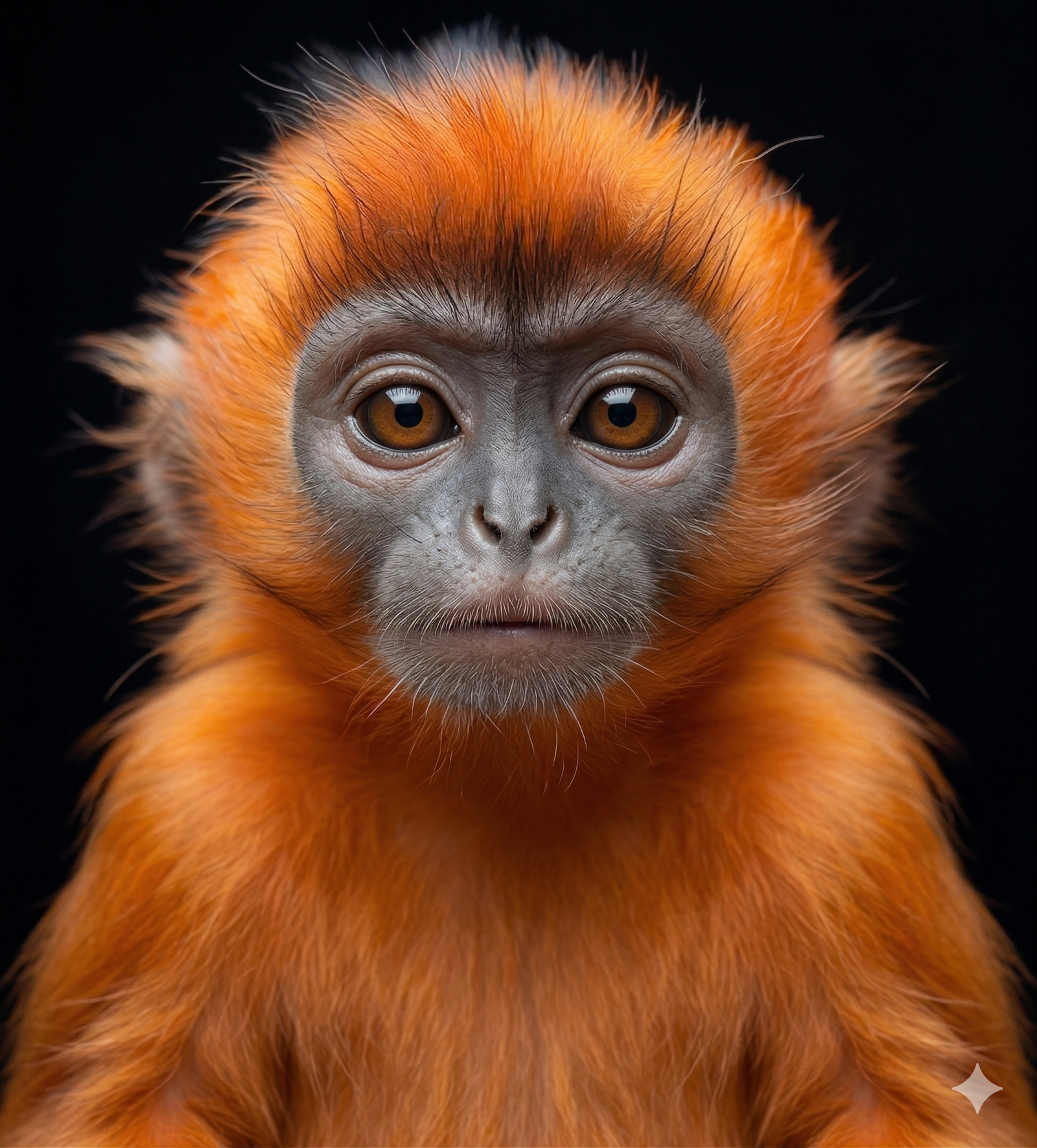
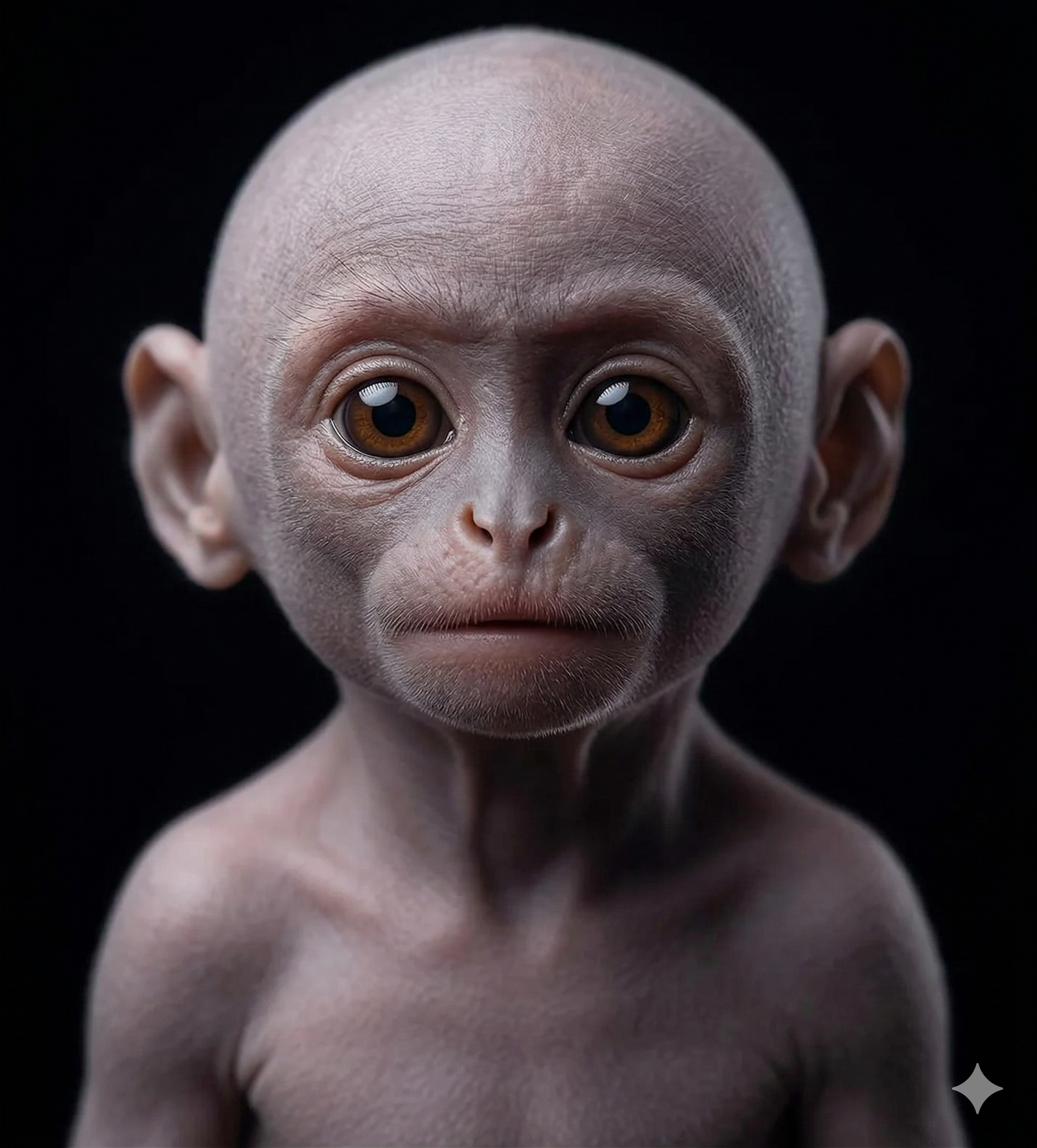
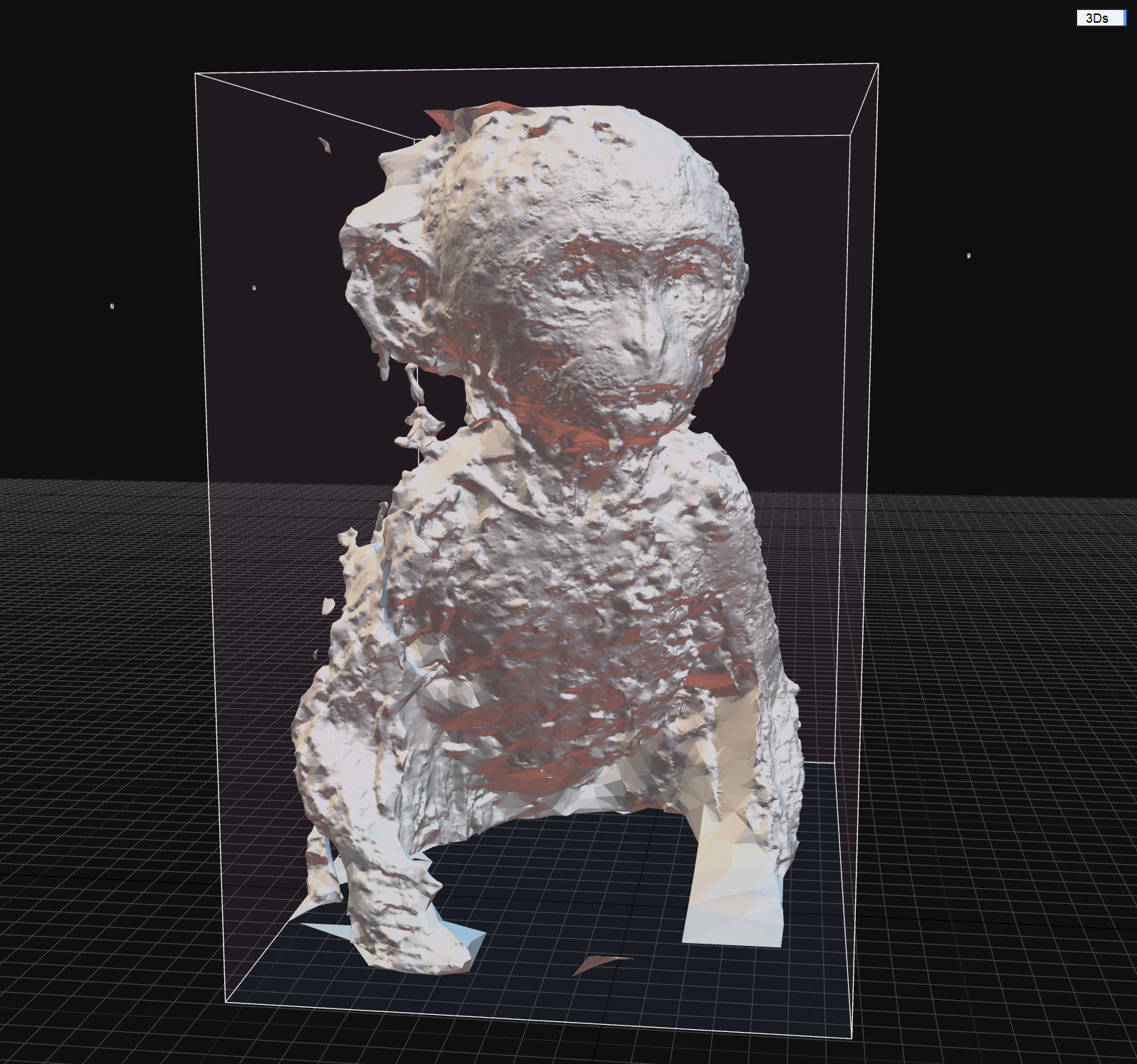
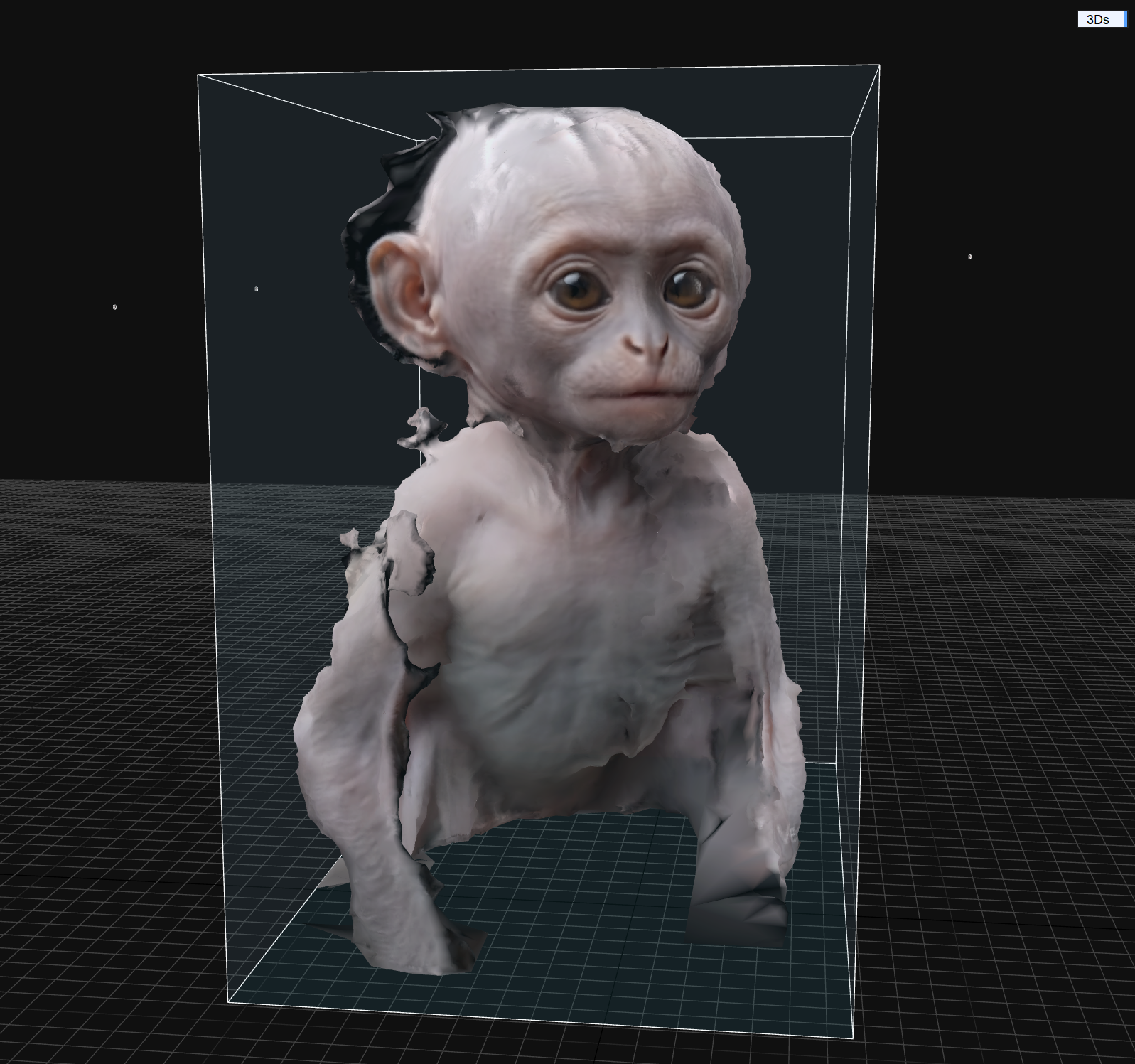
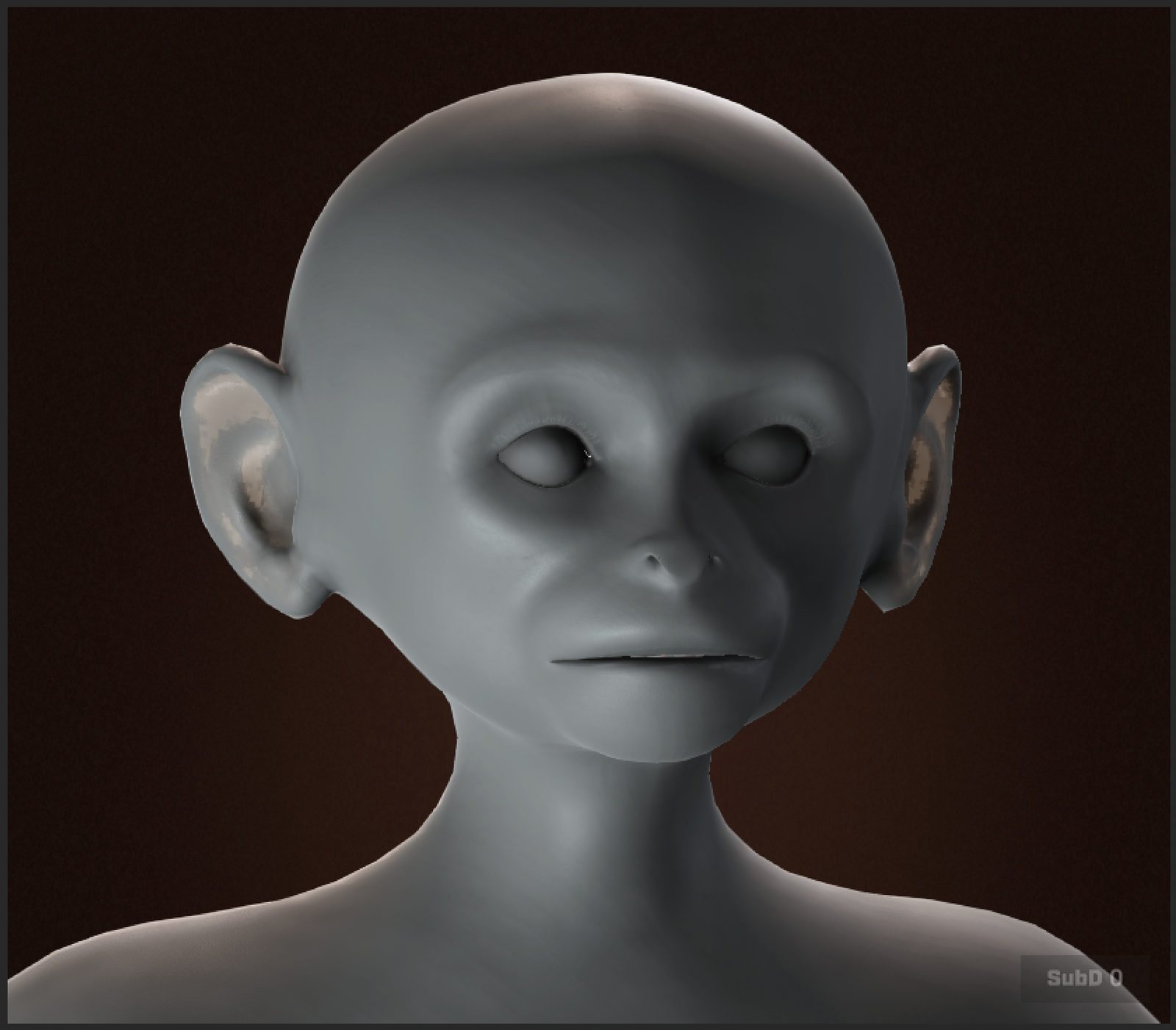
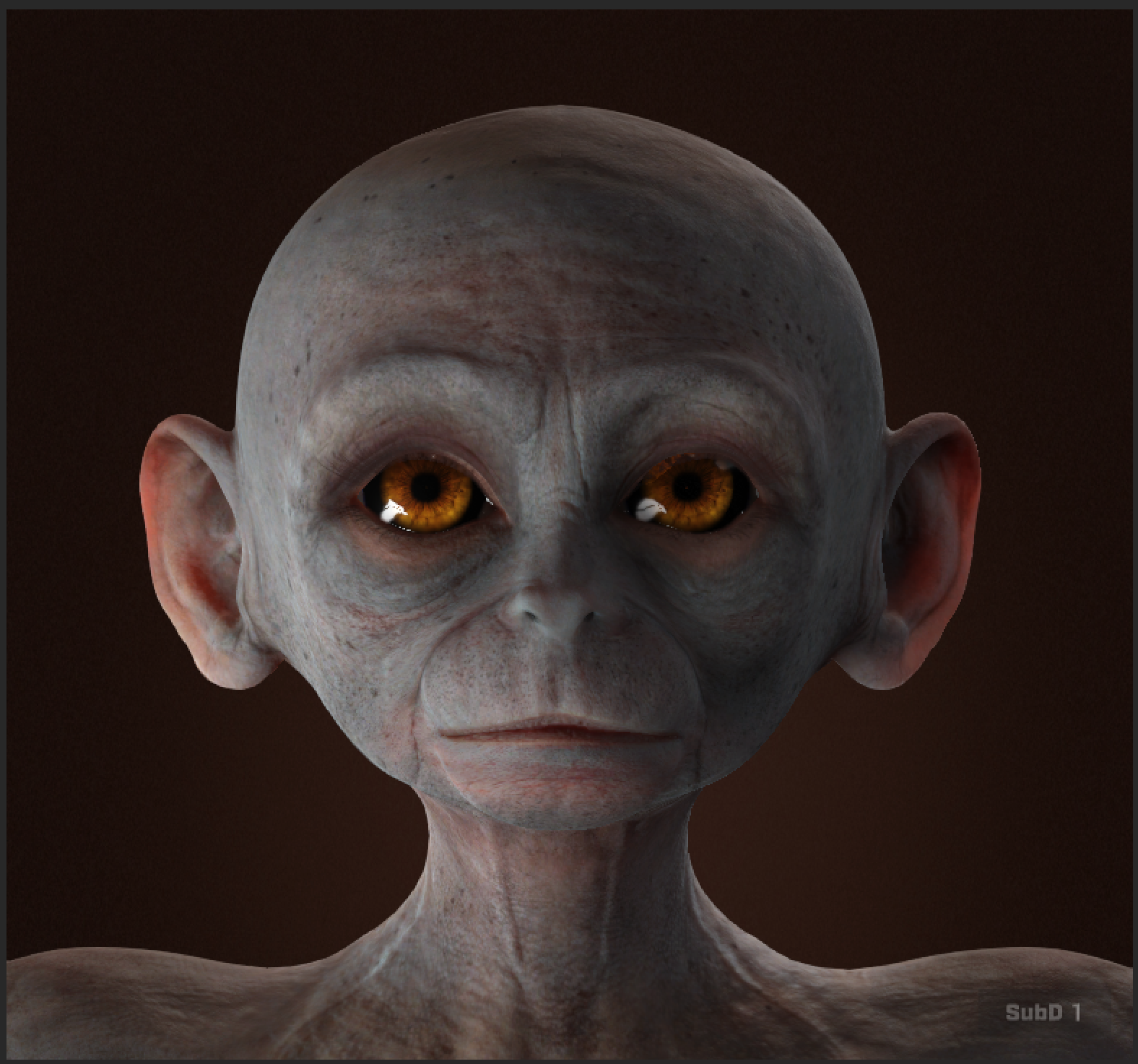
Getting a non-human facial structure to play nice with the MetaHuman framework requires a bit of creative problem-solving. My initial approach involved using Gemini to remove the smile from the reference image, generating a 360-degree turntable, and using Reality Scan to construct the base face. However, the resulting geometry struggled with the MetaHuman Identity Resolve. I then pivoted to Character Creator 5 (CC5), conforming the head to CC5 topology and generating high-quality textures and wrinkle maps. Even then, the non-human proportions proved too drastic for Identity Resolve to process cleanly.
To solve this, I abandoned the automated identity solvers. Instead, I shifted to a highly controlled, manual pipeline: extracting the base MetaHuman conform meshes from Unreal Engine, driving the topology using Wrap, integrating the detailed CC5 textures, and utilizing Blender for dynamic grooming.
Workflow
Phase 1: Generative Conception
- Concept Generation: I used Gemini to make neutral face.
- Multi-View Synthesis: I generated a 360 turntable to use in Realityscan
Phase 2: 3D Construction:
- Volume Generation: RealityScan was used to make the initial block out of the Face
- CC5 Base: Headshot’s mesh workflow was used to synthesize the raw scan data into clean CC5 topology.
Phase 3: Mesh Extraction & Conforming:
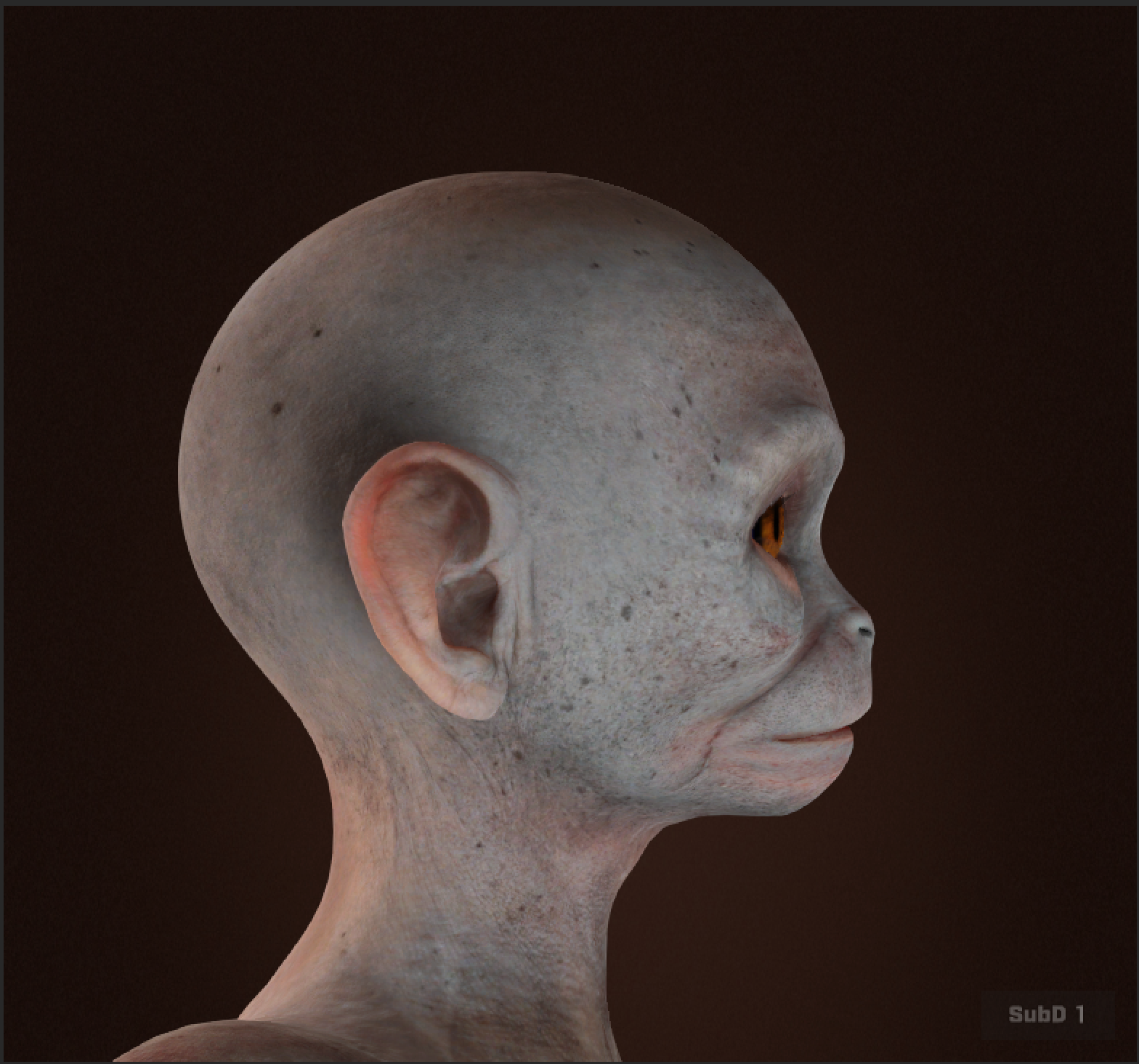
- I started by extracting the base MetaHuman conform meshes directly from Unreal Engine. I brought the template mesh into Wrap and conformed it to the scanned mesh, ensuring the underlying topology remained exactly what the MetaHuman framework expects.
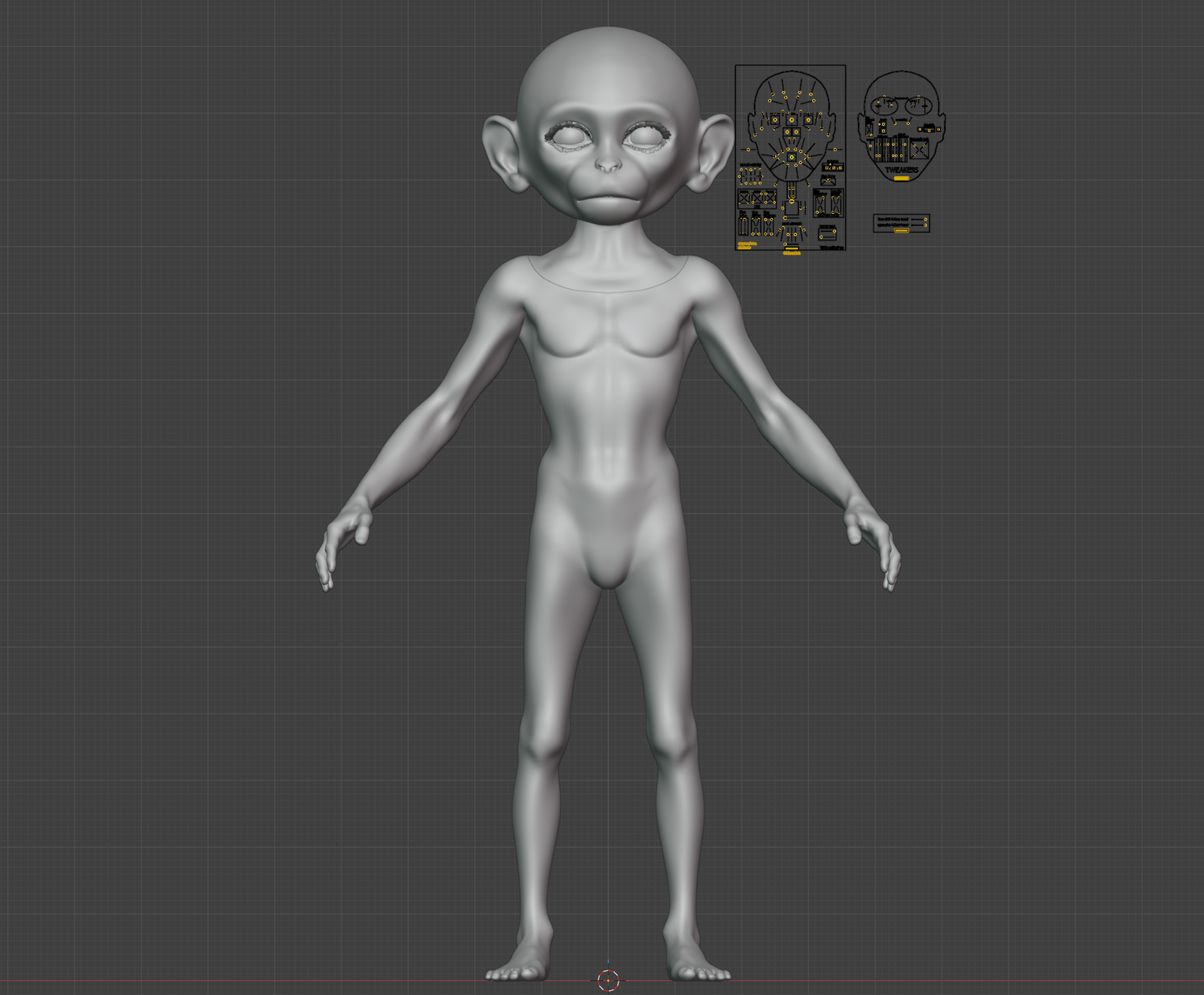
- Sculpting & Integration: After cleaning up the wrapped mesh, I used Poly Hammer to bring in the monkey body. I carefully conformed the face and did a detailed sculpting pass to resolve structural issues around the eyes and facial features, making necessary proportion adjustments to the body to match the “baby monkey” aesthetic.
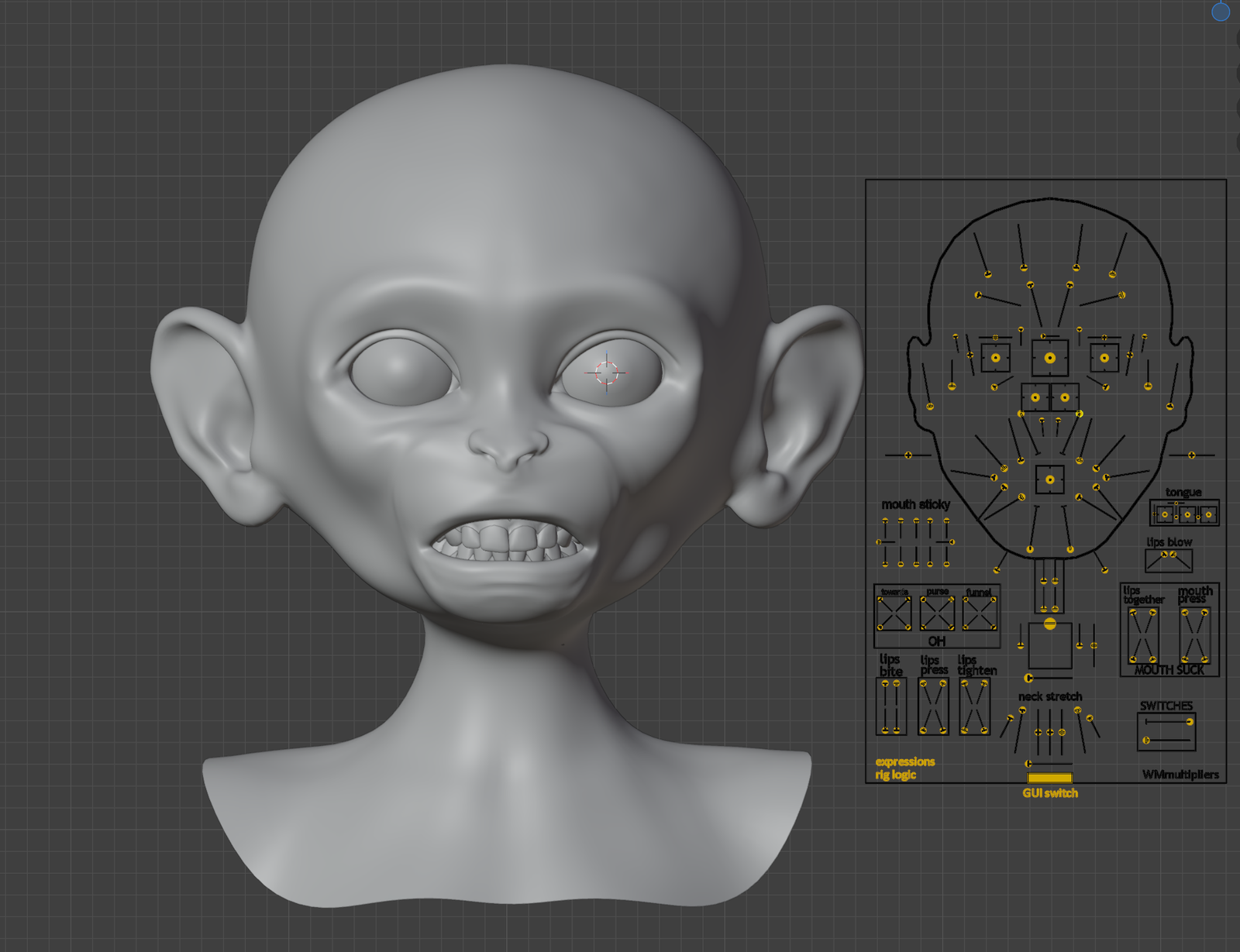
- MetaHuman Generation: With the conformed meshes prepped, I exported them and successfully generated the underlying MetaHuman rig.
Phase 4: Dynamic Grooming:
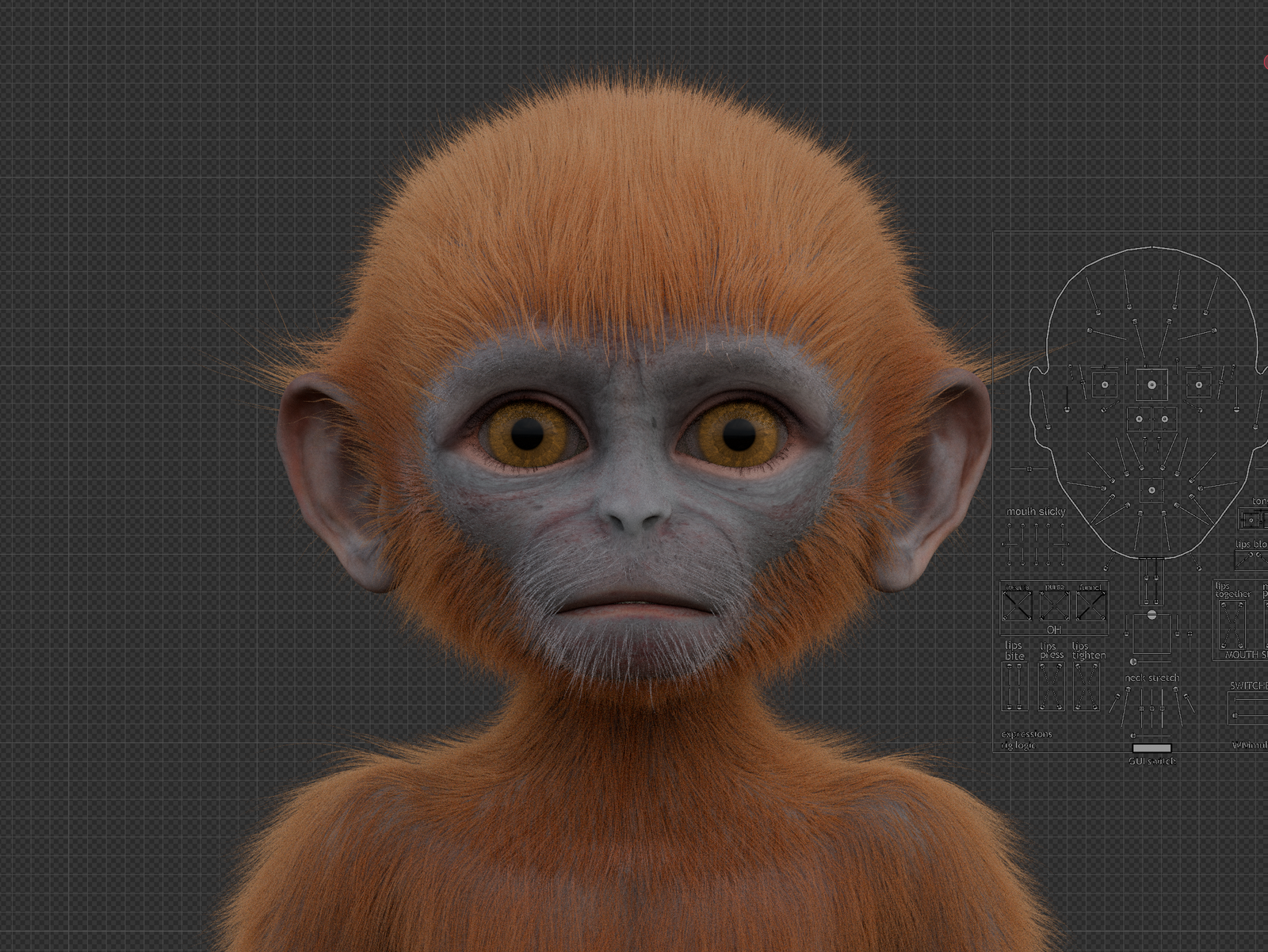
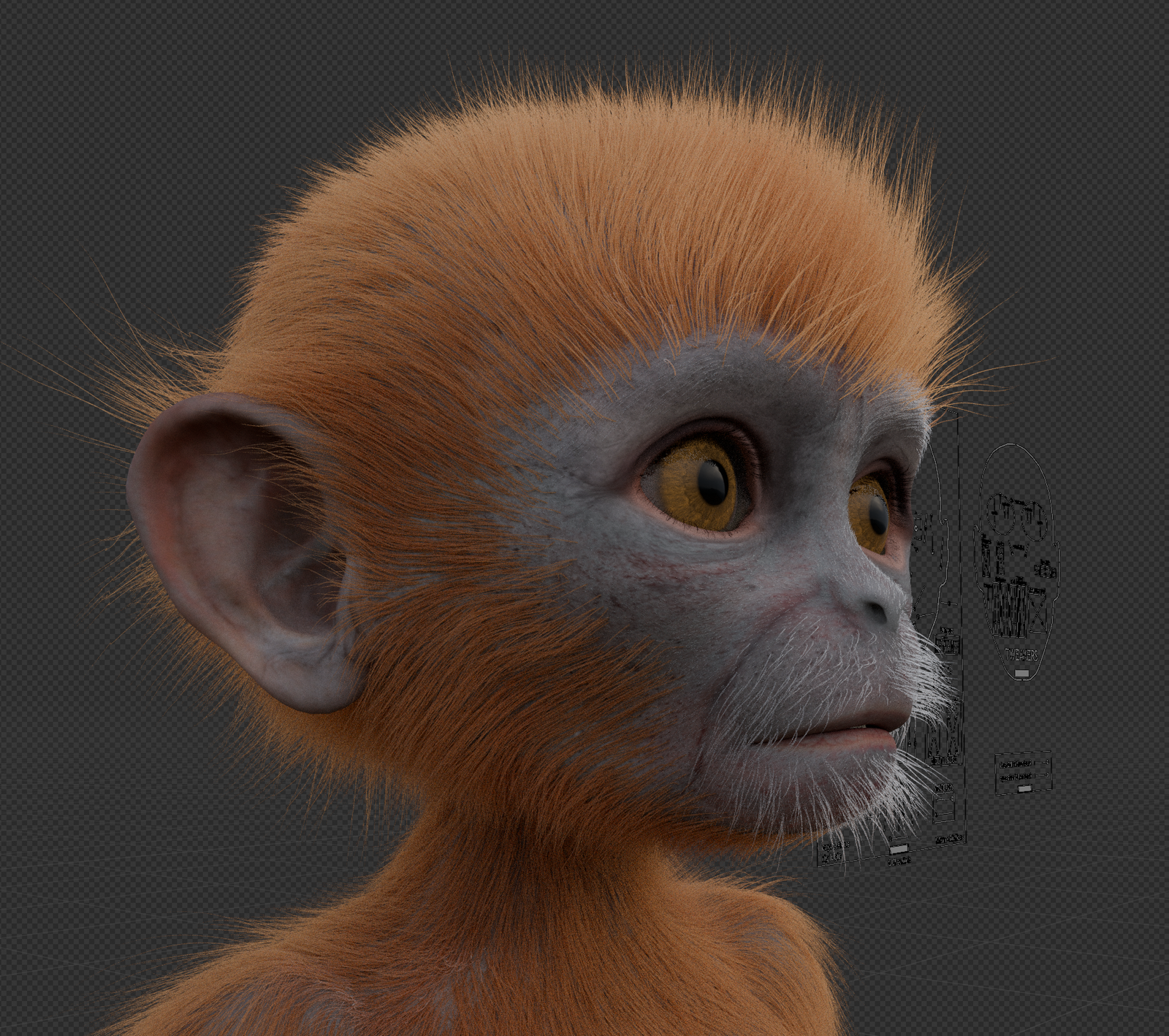
- I exported the rigged character back out and brought it into Blender to create custom grooms for the fur.
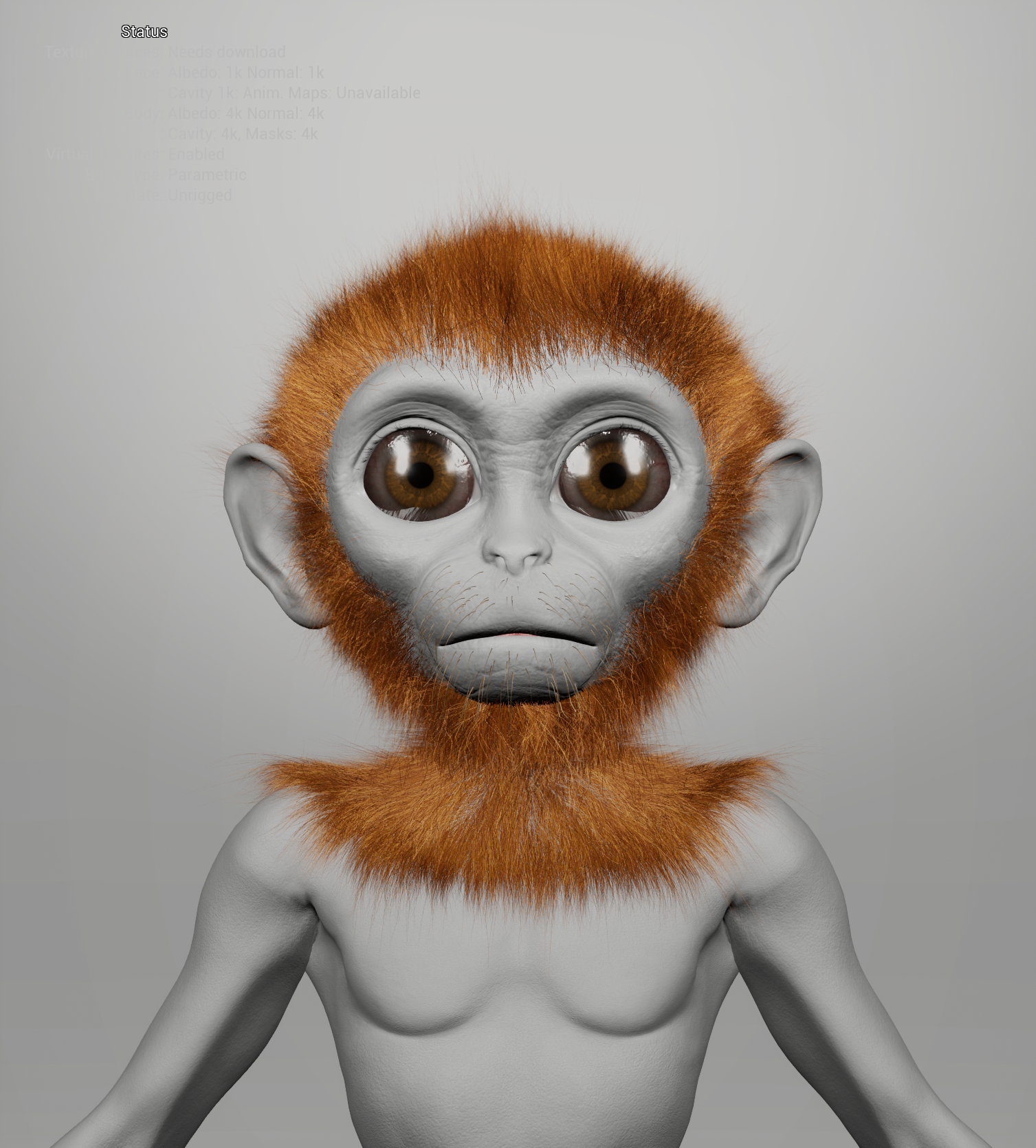
- Wardrobe: Grooms were converted to wardrobe items to become parametric.
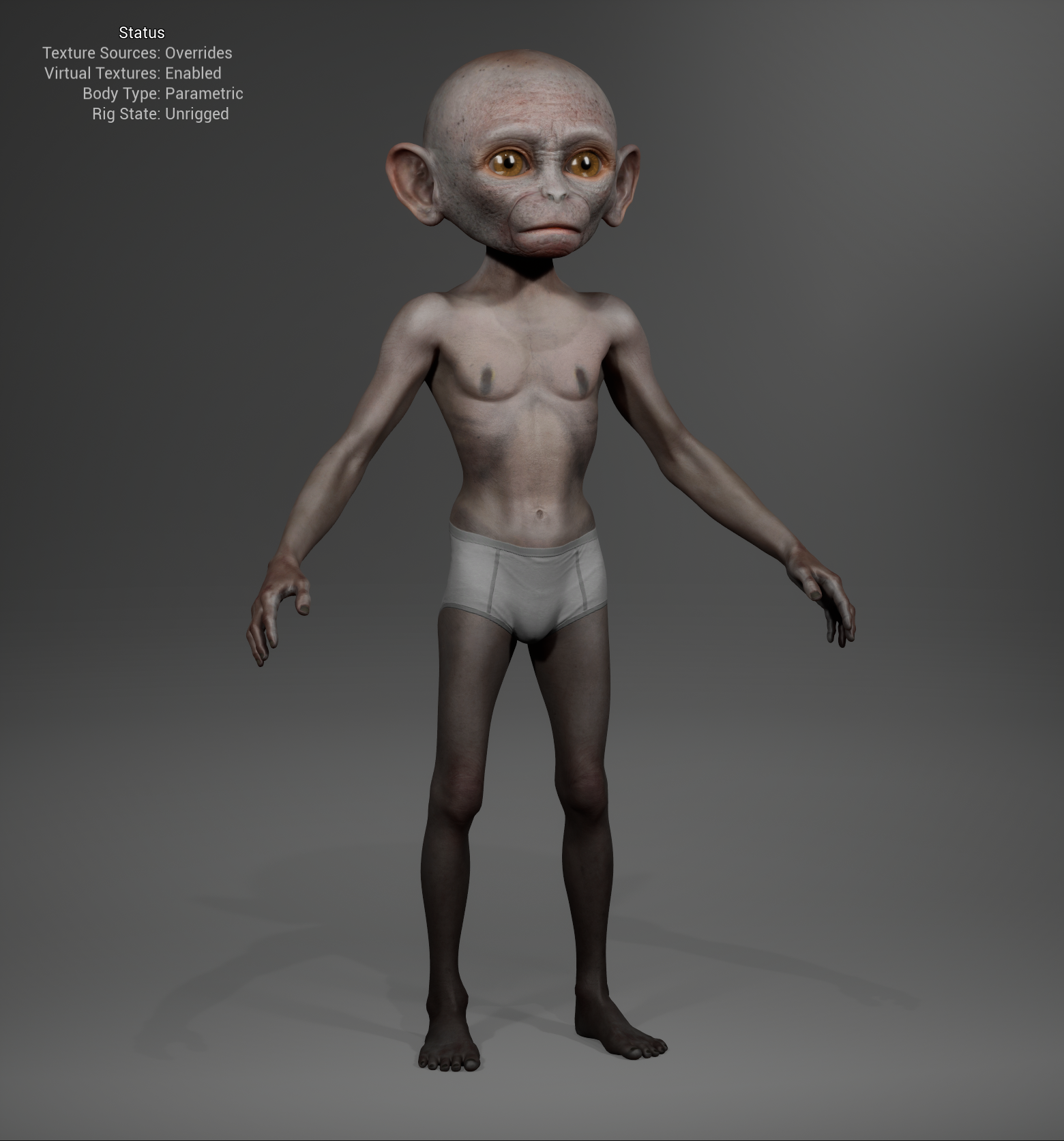
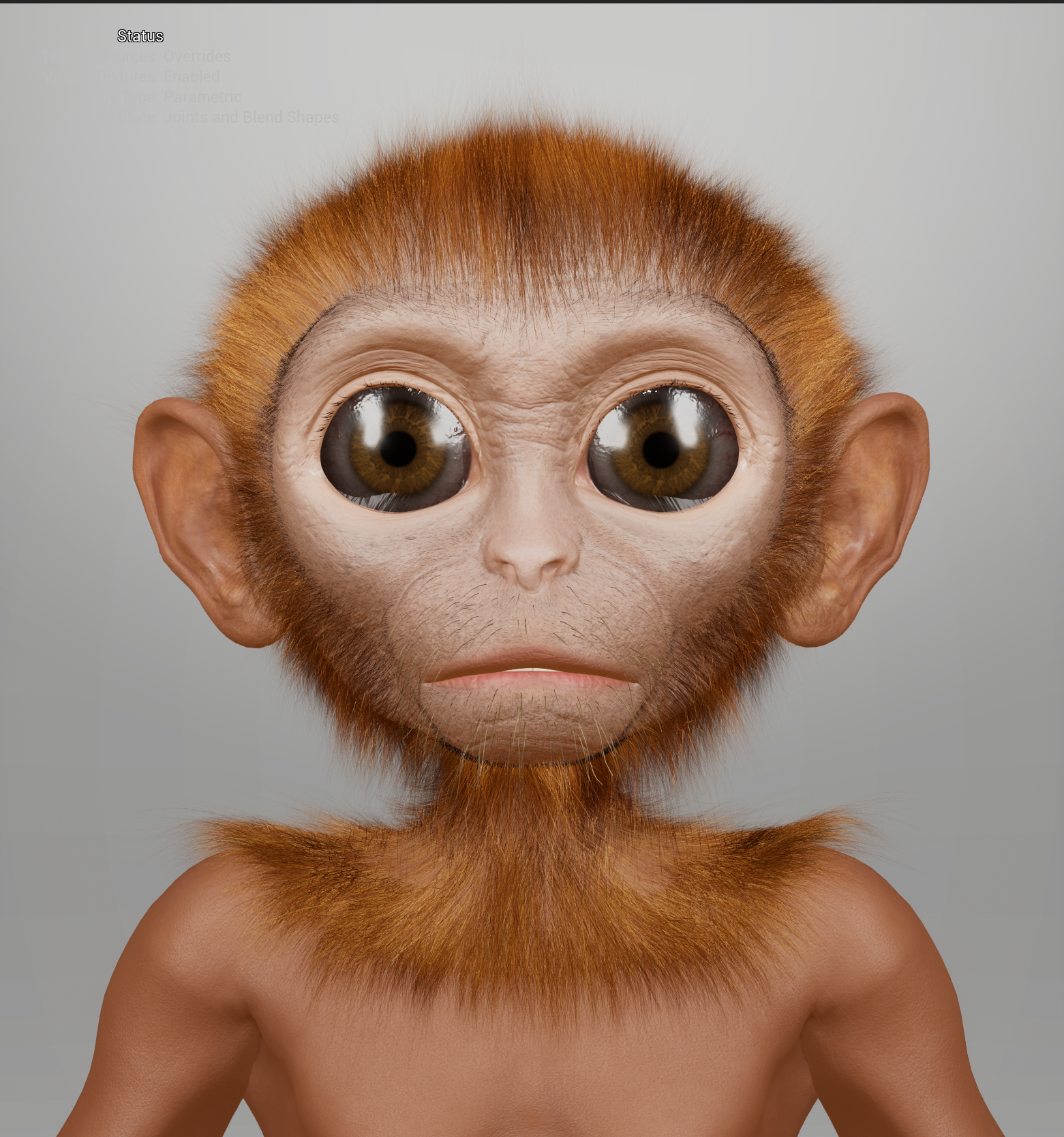
- Texturing & Final Assembly: During the final assembly in Unreal, I bypassed the standard MetaHuman skin materials and replaced the facial textures with the highly detailed maps (including wrinkle maps) I had previously authored in CC5.
Conclusion
After a final round of polish and packaging, the character was put to the test. Live Link recognized the rig perfectly, translating human facial capture onto the custom baby monkey proportions without breaking the rig. This project was a great reminder that while the MetaHuman framework is heavily optimized for standard human faces, leveraging tools like Wrap, CC5, and custom wardrobe grooms allows you to push those boundaries and bring entirely unique, non-human characters to life within the ecosystem.